What Pengou can do
Pengou runs a live online quiz on three screens: yours to run the game, the big screen for the room and each player's phone. Here is what it offers today.
Only the host creates an account. Players never do: they join the game with its code.
Updated on .
How a game unfolds
- You create a quiz, or copy a ready-made one from the library, then you start a game. Pengou generates a game PIN.
- You open the big screen on a projector or a TV. It shows the code and a QR code for the whole room.
- Players open Pengou in their phone's browser and enter the code, or scan the QR code: the code is then already filled in. All that is left is to choose a nickname.
- For each question, they answer from their phone. Pengou calculates the points and updates the ranking.
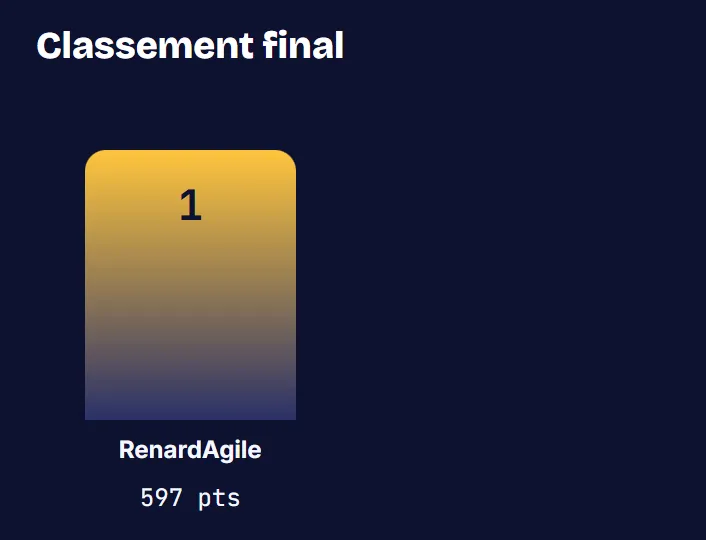
- The game ends on a podium, shown on the big screen, and each player sees their rank.
Six question types
Creating a quiz with Pengou is not limited to multiple choice. Four question types earn points:
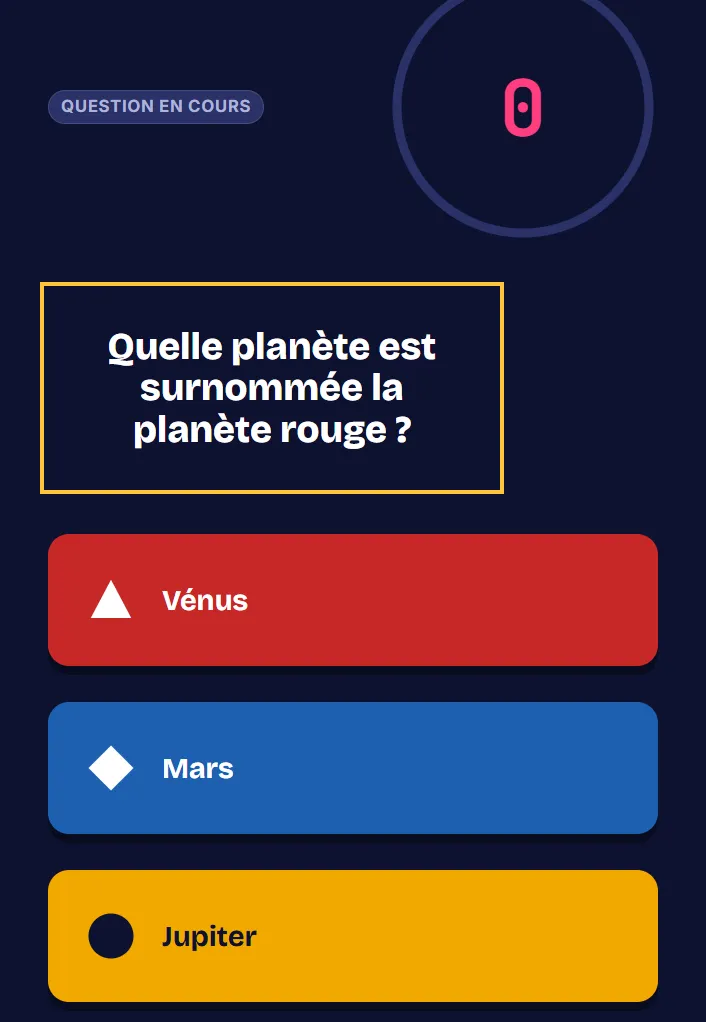
- Multiple choice: players pick from several suggested answers.
- True or false: players decide between two answers.
- Free text: players type their answer, which is compared with the answers you accepted, ignoring accents.
- Slider: players choose a numerical value. An answer close to the right value scores points, more of them the more precise it is.
Two others gather the room's opinion, without points:
- Poll: everyone picks one or more options, and the big screen shows how the votes are split.
- Word cloud: everyone suggests a word, and the words that come up most often are shown in large type.
A library of ready-made quizzes
No time to write your questions? The library offers ready-made quizzes and questions to pick from, sorted by theme. They come from open question databases (OpenQuizzDB and Open Trivia Database), under a Creative Commons license. You make a copy in your account, then edit it however you like.
Fair points, with a speed bonus
Points are calculated by the server, not by the phone. A correct answer earns more when it comes quickly. Nobody can change their score from their browser.
Three synchronized screens
You run the game from the host view. The big screen shows the question to the whole room. Each player answers from their phone. The three views move forward together, in real time.
You stay in control of the game
A nickname that is out of place shows up in the waiting room? You remove the player with one click, at any time before the podium. Their nickname disappears from the big screen and from the game report. They can come back with another nickname by entering the code again.
At the end of a game, you can start another one from the podium: players follow along without entering a code again.
Reading time, if you want it
You can set a reading phase. The question is then shown alone for a few seconds, and then the answers appear.
A game that resumes after a server restart
If the server restarts during a game, the game picks up where it left off.
A summary after every game
After the game, you get a report with the scores and the answers. You can export it as a CSV file to open it in a spreadsheet.
An account for the host only
To create your quizzes, you sign in with an email address and a password. Pengou sends you an email to confirm your address and then, if needed, to reset your password. Players never have an account.
Open code
Pengou is open source, under the Apache-2.0 license. An organization can also install it on its own server. The open source page covers the code and self-hosting.
Try Pengou
Create a host account to prepare your first quiz, or join a game with its code.