A live quiz to pace your training sessions
Wake the group up after the break, check what has been learned at the end of a module and keep a record of the results. Pengou is free, with no per-trainer license, and hosted in France.
Only the host creates an account. Players never do: they join the game with its code.
Sample schedule: a training day, four short quizzes
An interactive quiz does not replace what you teach: it breaks the day into short moments and tells you how things are landing. Here is an example schedule, to adapt to your program and your group.
- At the start, 9:15 a.m. Five placement questions, with nothing at stake. You see right away who already knows the subject, and the group has already answered together before the first round of introductions.
- End of the first module, 11:30 a.m. Six questions on the morning's topics, mostly multiple choice and true or false. If fewer than half get a question right, you go back to it before lunch.
- Back from the break, 2 p.m. Four quick questions, with the speed bonus. After lunch, attention drops: the race for points gets the room moving again.
- End-of-day review, 4:45 p.m. Eight to ten questions covering all the objectives, with free text answers and sliders to get away from multiple choice. You then export the report as a CSV file.
The next day, the report tells you which topics to go over again at the start, and the CSV file joins your learning assessment documents. The Qualiopi framework (the French quality certification for training providers) requires assessing whether the objectives of the training have been met: the report is one record among others, not sufficient proof on its own.
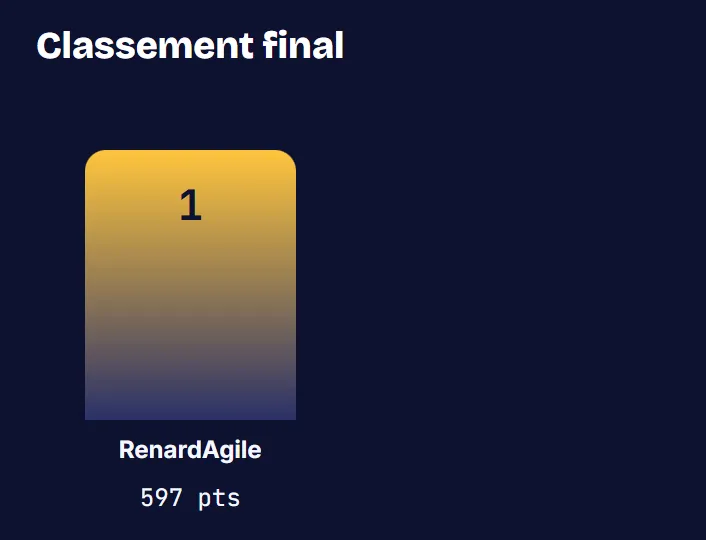
Starting a game during the session
- From your account, open the module's quiz and start the game. Pengou shows the game PIN.
- Project the big screen on the training room's screen, in place of your slides.
- Participants enter the code on their phone, or scan the QR code on the big screen, then choose a nickname. No account and no app to install.
Features that help in training
After each game, a report gives the scores and the answers. Exported as CSV, it opens in any spreadsheet.
Free text and the slider go further than multiple choice: participants put an answer into words or estimate a value.
The reading phase leaves a few seconds to read the question before the answers appear. The speed bonus gives the game some rhythm.
Free, with no subscription to rebill
Pengou has no subscription, no per-trainer license and no premium version. You have nothing to rebill to your client and nothing to cancel between two sessions.
Pengou is a free service, with no availability guarantee. An organization that wants to control its own service can install Pengou on its own server: the code is public, under the Apache-2.0 license. The open source page covers the code and self-hosting.
Your participants' results are stored on a server in Paris. The Privacy and GDPR page details the data processed.
Frequently asked questions
Do participants have to create an account?
No. The host account is reserved for the person leading the session. Participants join with the code and a nickname.
What does the results export contain?
A CSV file, which opens in a spreadsheet. For each player, it gives the nickname, the total score, the number of answers given and of correct answers. For each question, it gives the number of answers, the number of correct answers and the average response time.
Can I add visuals to my questions?
Not for now: questions are text only. To vary things, Pengou offers six question types, including the poll and the word cloud to gather the group's opinion without points.
For anything else, the FAQ answers the most common questions.
Try Pengou
Create a host account to prepare your first quiz, or join a game with its code.